
Use the samples as a guide
Check the sample text and images in each template to choose your own best-fit photos and wording before you start.
Choose from curated, professionally designed templates and upload your photos. Kronikl does the art direction — you get a print-ready issue in minutes.
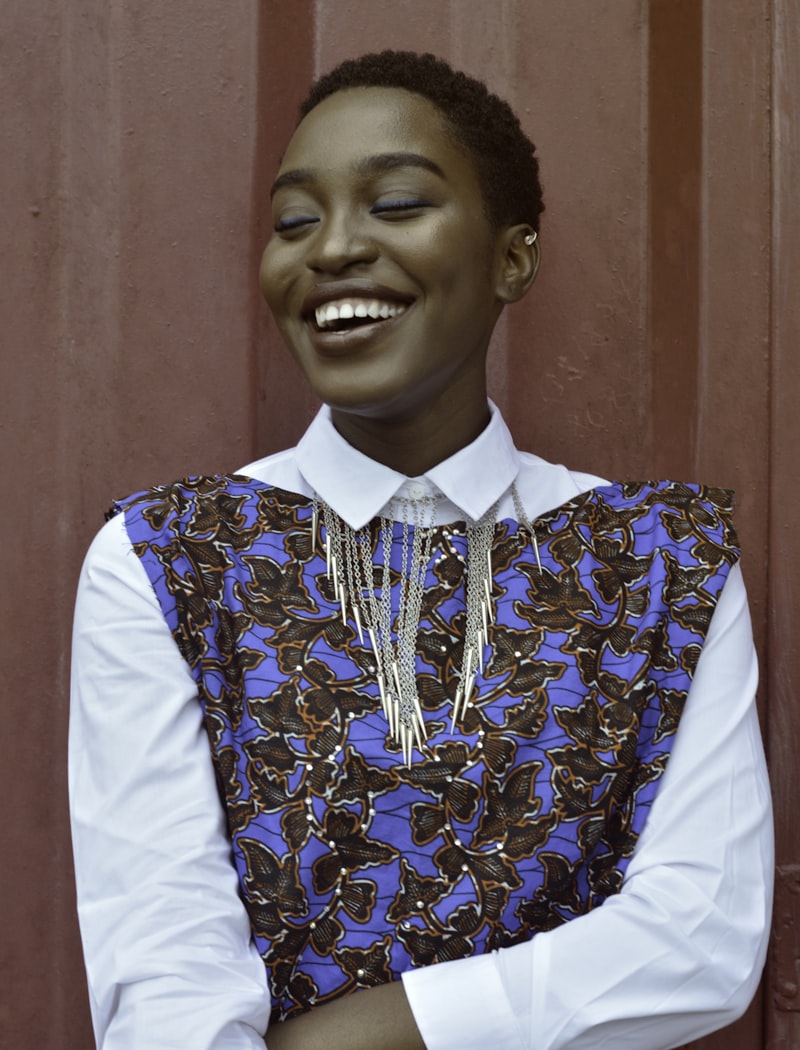
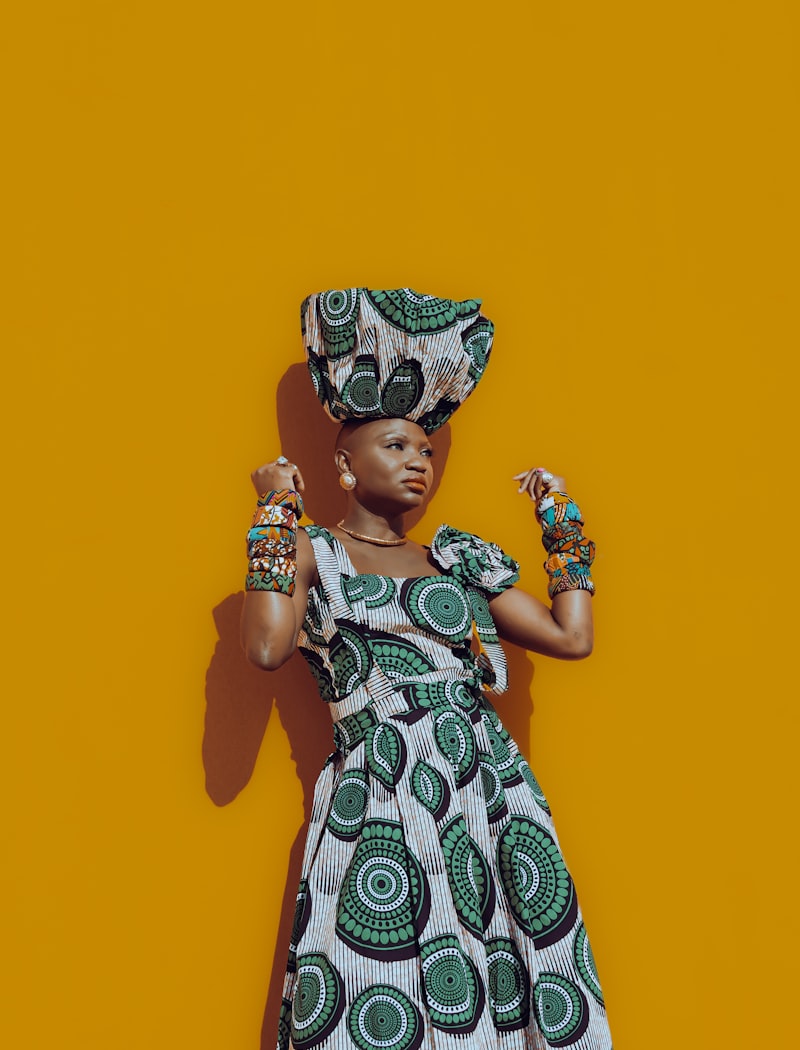
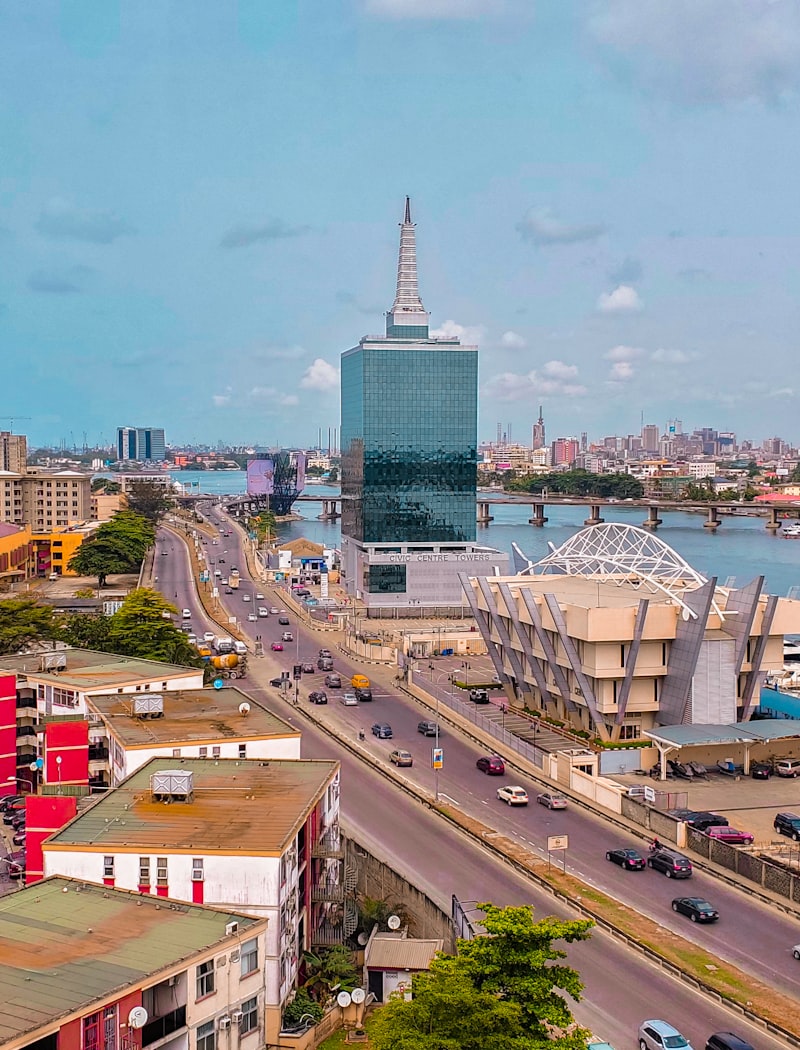
Professionally designed layouts, ready for your photos.
No design skills, no software. Start from a template — Kronikl brings the layout.
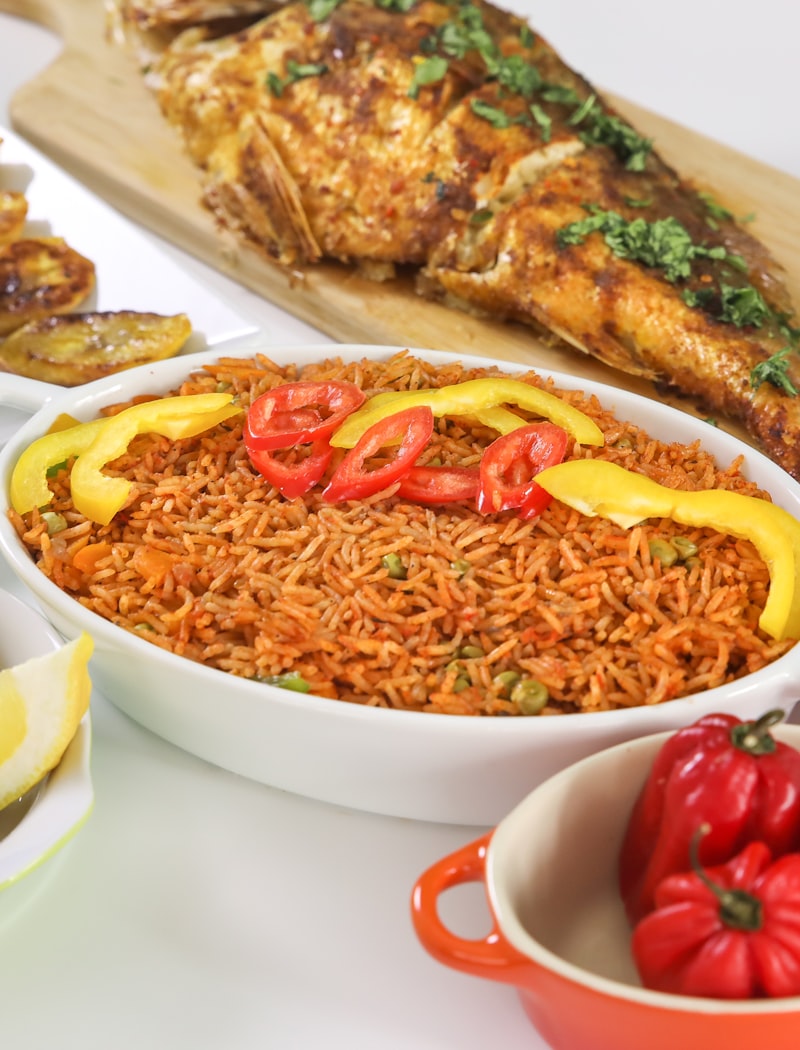
Every layout is designed by hand — grids, type and margins that already look like a real magazine.
Describe the issue you want and let Kronikl draft the cover lines, captions and layout to start from.
Drop in dozens of photos at once, then swap only the slots that need a special shot.
Write all your copy in one place and apply it across the whole issue in a single pass.
Reframe any image in place for tighter composition — no round-trip to another app.
Download a high-resolution, press-quality PDF that's ready for the printer or the screen.
Small habits that make the difference between a good layout and a printed one you're proud of.
Check the sample text and images in each template to choose your own best-fit photos and wording before you start.
Type and apply every headline and caption in Bulk Text Edit before uploading images, so you can focus purely on layout and photos.
Add several photos in bulk first, then replace only the slots that need a special shot. It saves time and keeps things consistent.
If a shot needs tighter framing or a better composition, crop it first, then drop it into the slot.
Preview every page carefully once your issue is generated. A quick pass now guarantees the best printed result.
Safari won't allow multiple downloads at once, so save your page images one after another for a complete issue.
Everything you need to know about building an issue with Kronikl.
Not at all. The templates carry the design — the grids, type and spacing are already done. You choose a layout, add your photos and words, and Kronikl handles the art direction.
Pick a template, add your photos, and hold a finished issue in minutes. No design skills required.